By adding equipment information to an existing customer's account, you are able to keep track of exactly which appliances have been serviced by your company.
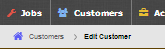
To get started, open your customer through "edit customer"
From there, look at the 'Data' panel on the right.
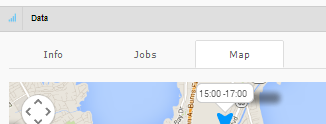
The 'Map' tab will be automatically selected, but you'll want to click on 'Info'.
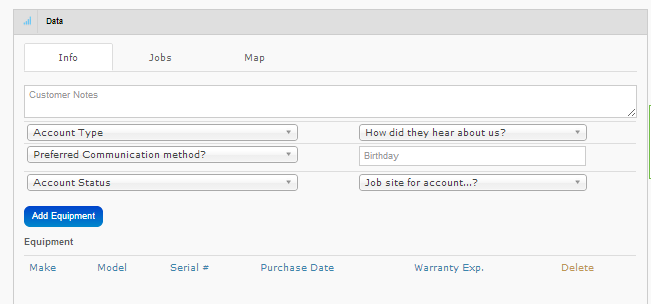
When you click "Add Equipment" the data fields will open. Simply fill in all the relevant information and click "Update"

After equipment has been saved, you will be able to view it in the customer info tab any time. 
You can always add, edit, or delete equipment information.
Up until this point you have only saved the equipment to the customer record. As a customer can have many pieces of equipment, you still need to attach the equipment to a work order for the technician to be able to access the info in the field.
After creating a new piece of equipment a new box called 'What's broken' will appear. Select the equipment from the whats broken list to attach it to the job displayed on the screen.

0 Comments